Healthcare
AI Prototyping Framework
I connected Figma MCP to Storybook in Claude Code and built a static 1:1 replica of our app for rapid design iteration & exploration.
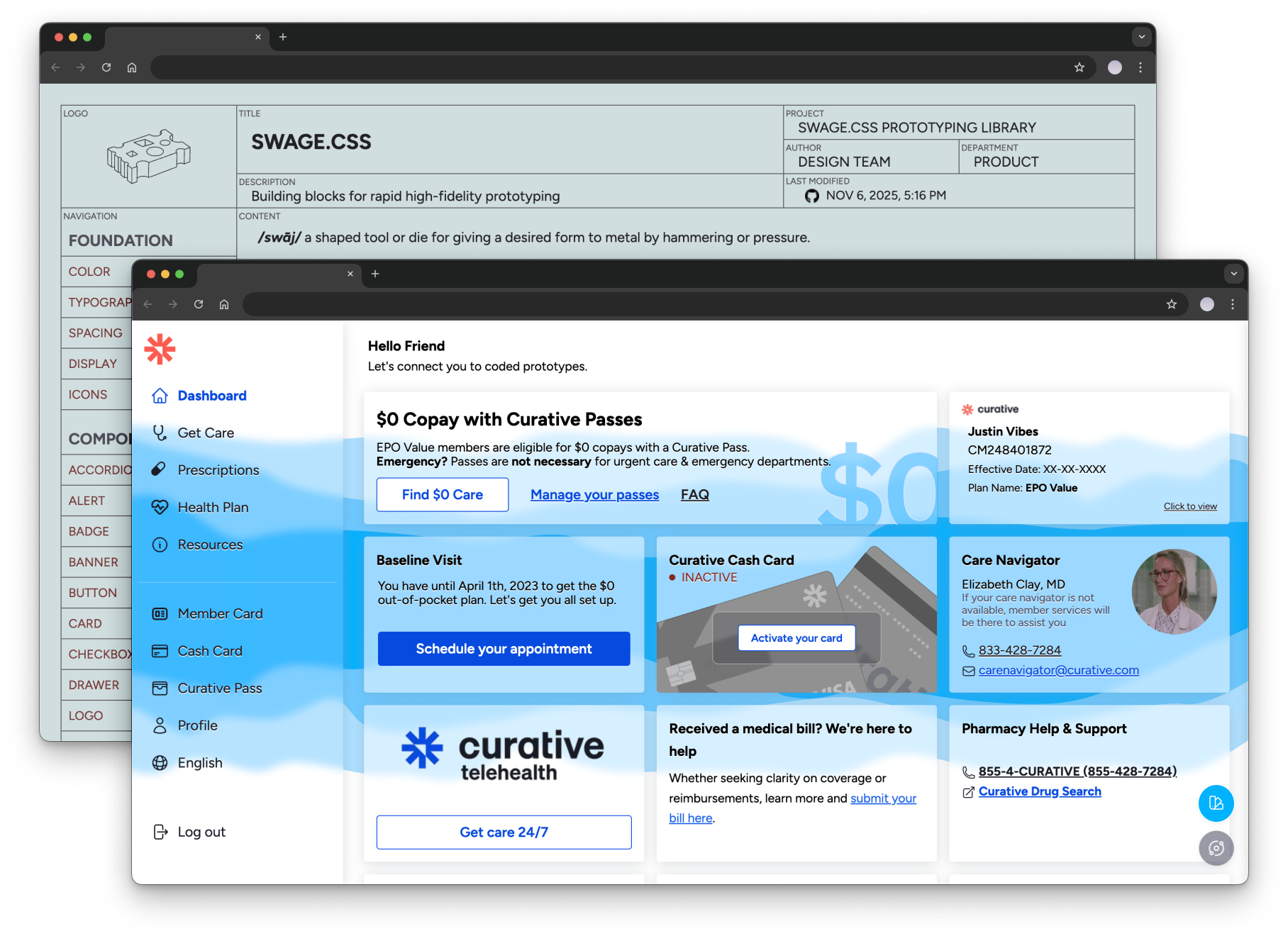
Overview
I've been designing and prototyping in code for most of my career, but the team structure and hyper-growth pace at Curative required me to do most of my design work in Figma. When our VP of Product gave the green light to experiment with integrating AI into our workflow, I jumped on the chance.
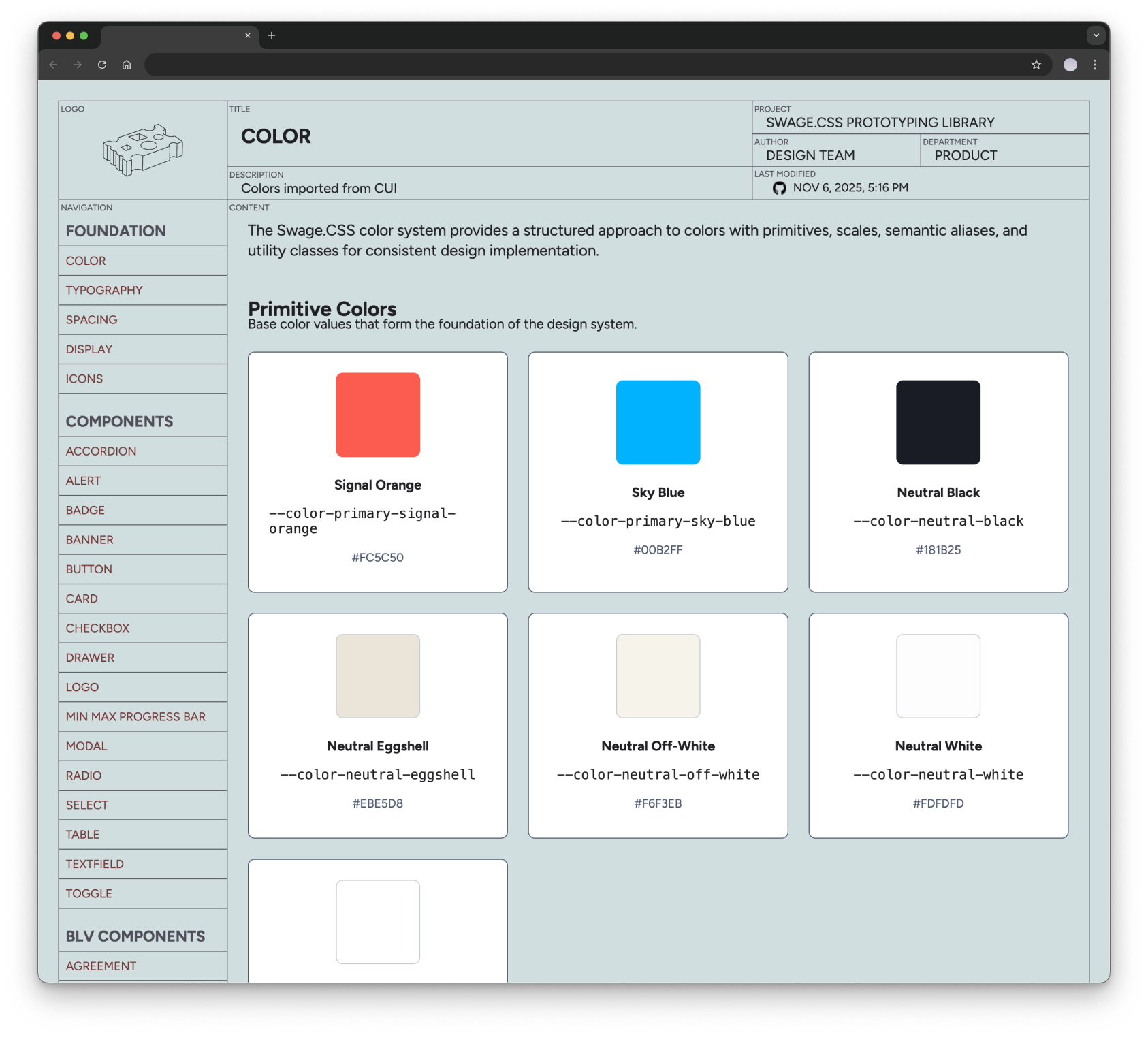
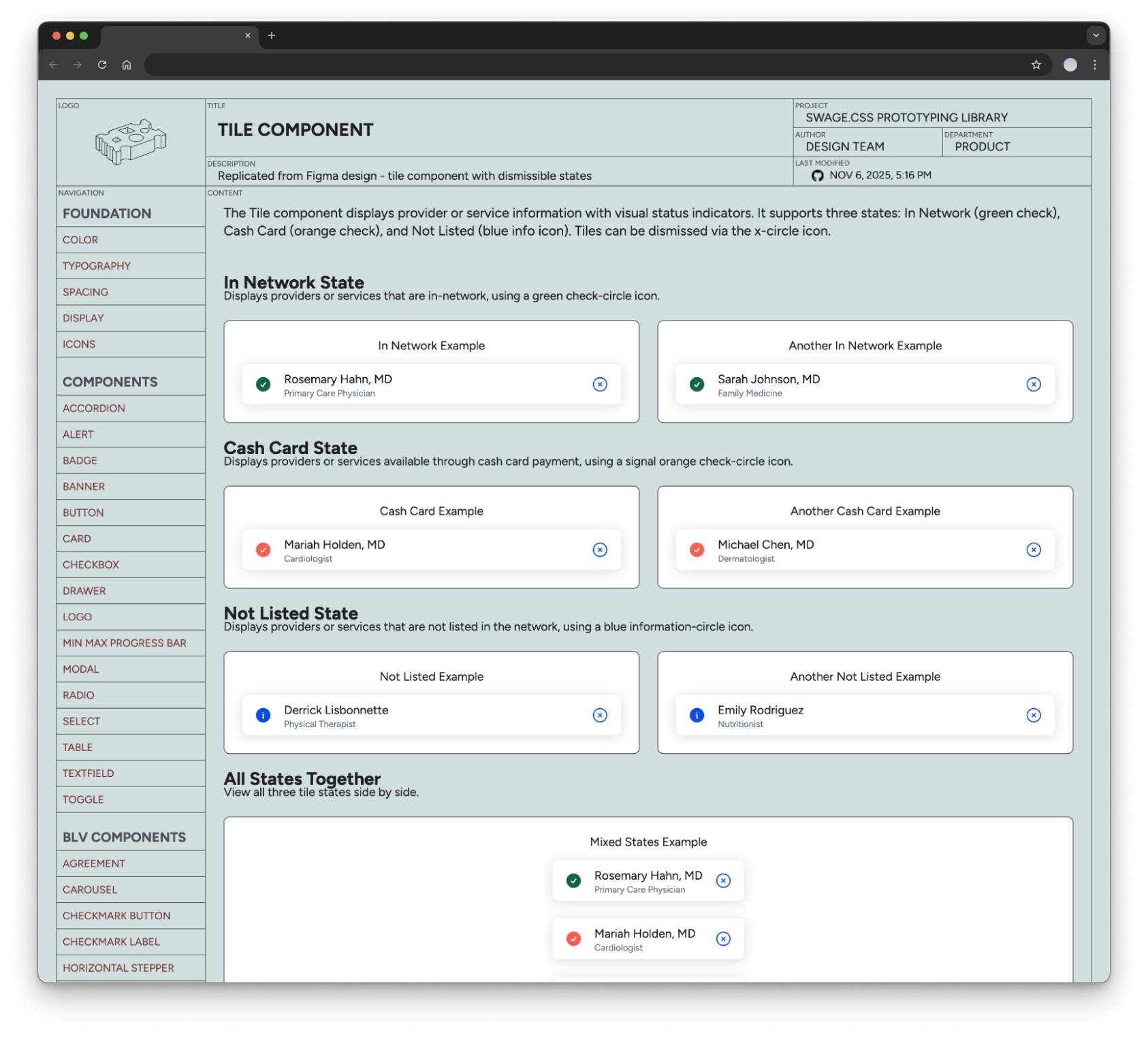
Our VP of Product had vibe coded an excellent prototyping engine that quickly produced mid-fidelity prototypes the Project Managers could use for quick ideation and exploration. But it had a few drawbacks for me to use as a designer &ndash it produced flows you could click through with simulated data, but it was just loosely working from our design system.
Colors and borders and such were close enough, but not accurate enough for final design work/developer handoff. I hooked up Figma MCP and Storybook in Claude Code to compare the design assets to the existing components in production and built a CSS layer on top that was a static 1:1 (HTML, CSS, & presentational JS) with our design system/apps.
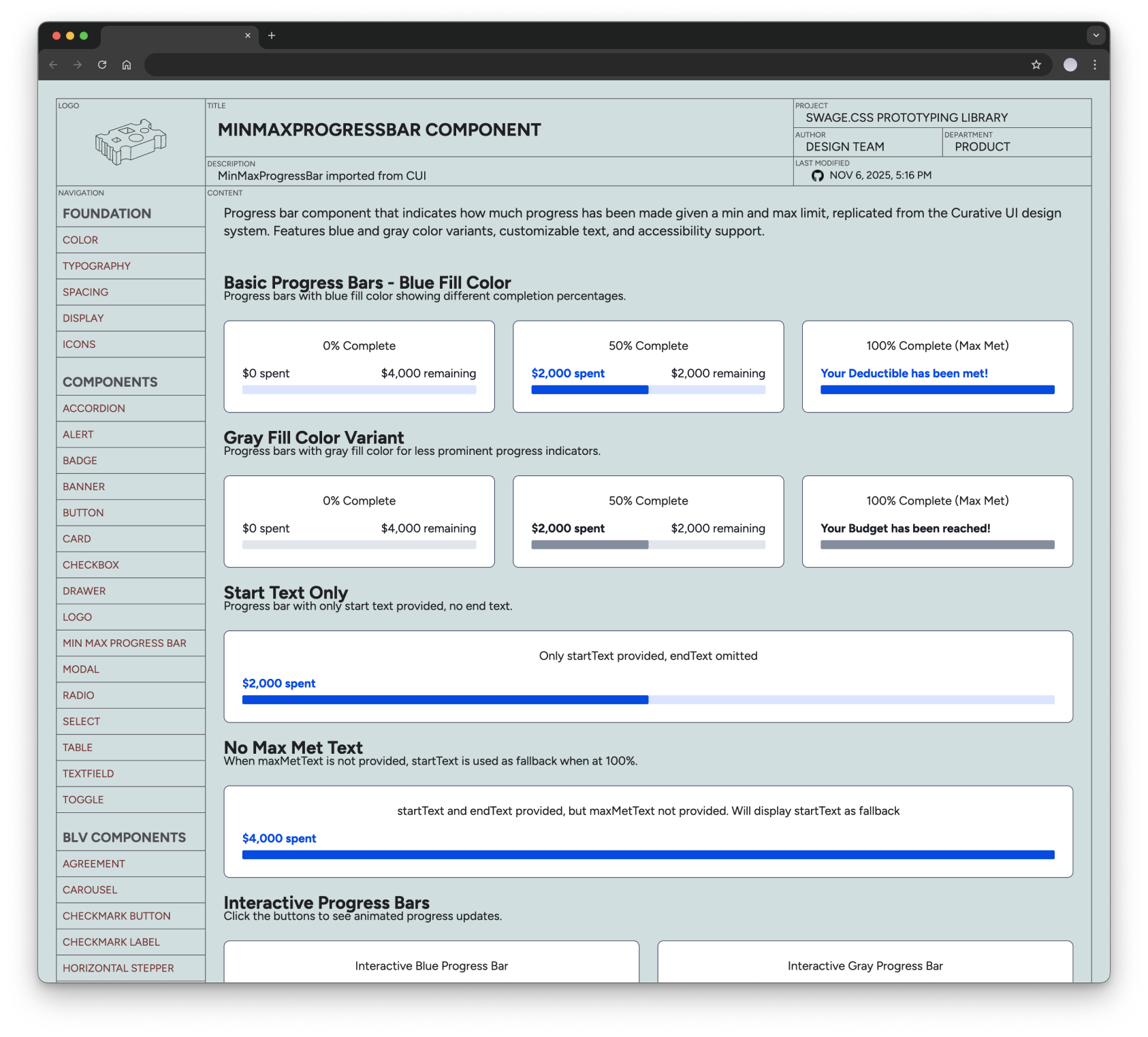
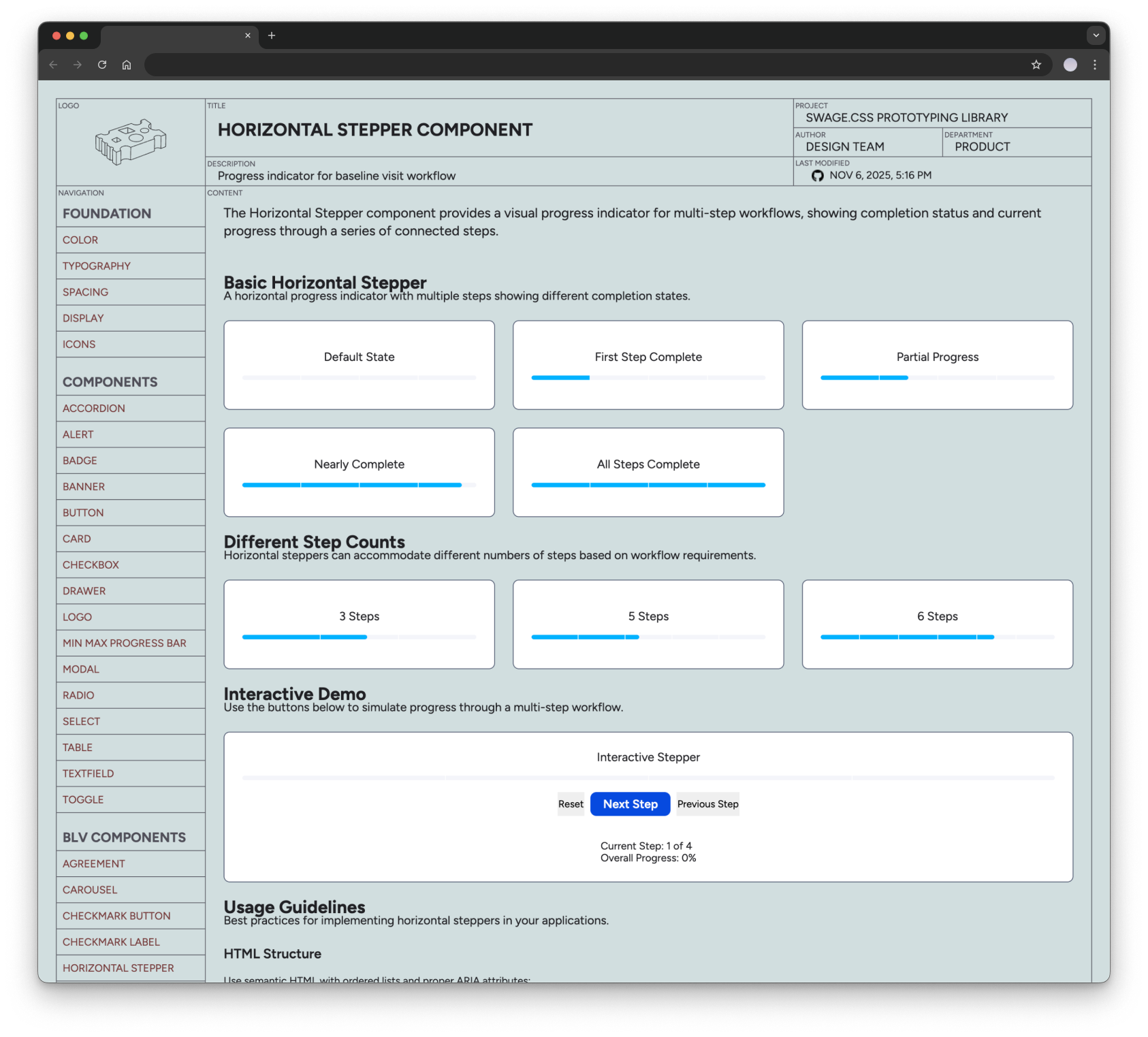
The prototyping engine was nicknamed "The Forge", so I named my CSS framework Swage- "a shaped tool or die for giving a desired form to metal by hammering or pressure". I built a reference site with the static site generator 11ty so everything could be hosted on Github Pages, and we would have a URL to share prototypes within the company for feedback and review.
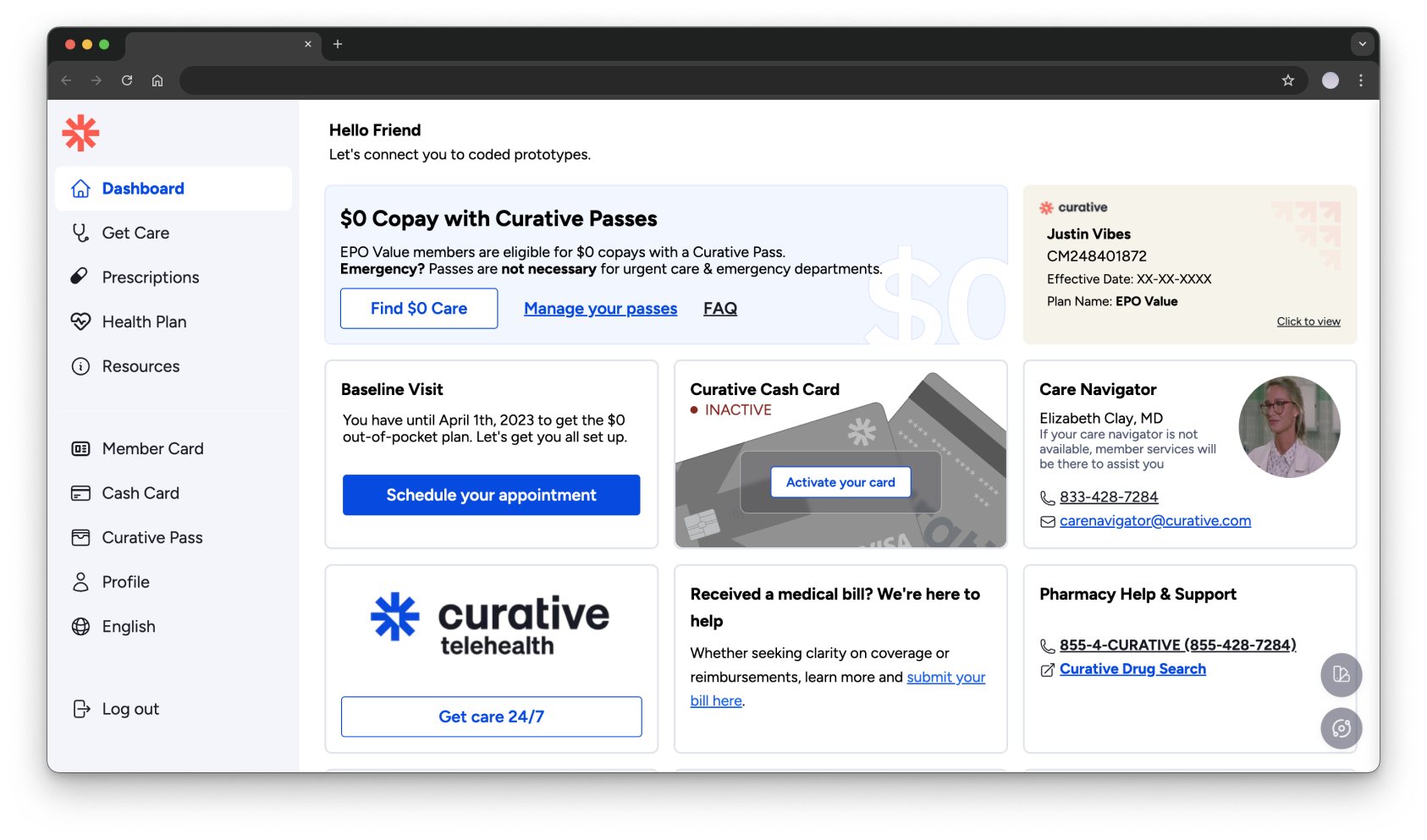
I replicated our Member Portal using the framework (and some manual tweaking when it was faster), and led the design of our Self-guided Baseline Visit and other smaller UX improvements.
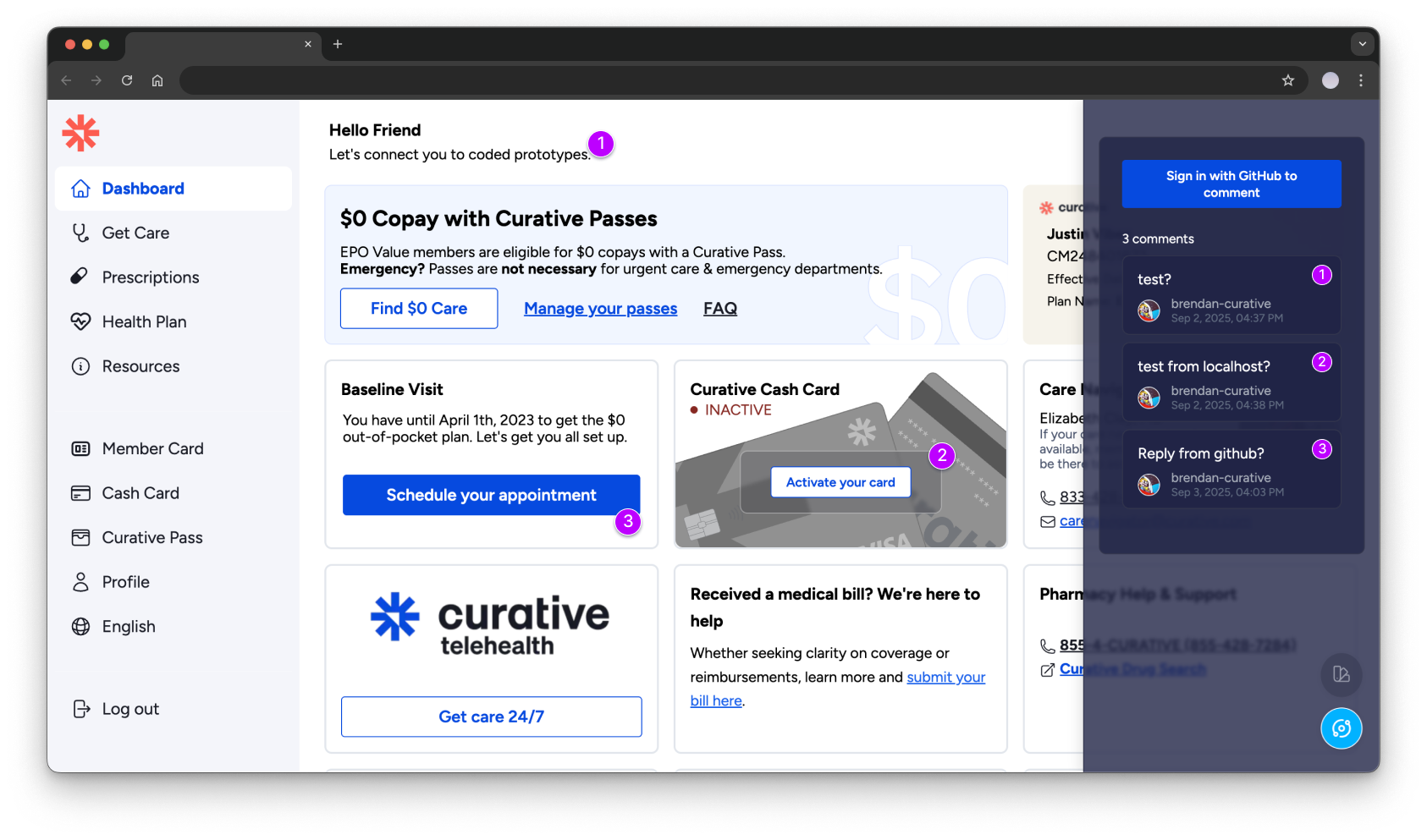
While having web-based clickable prototypes massively sped up our iteration process, one aspect from Figma that we missed immediately was the ability to have async collaboration with comments. So, I found a way to replicate that layer leveraging the existing functionality in Github Issues tracking. We could noew comment on the live prototype or the issue in the Github repository itself, and track feedback and decisions as we had in Figma.
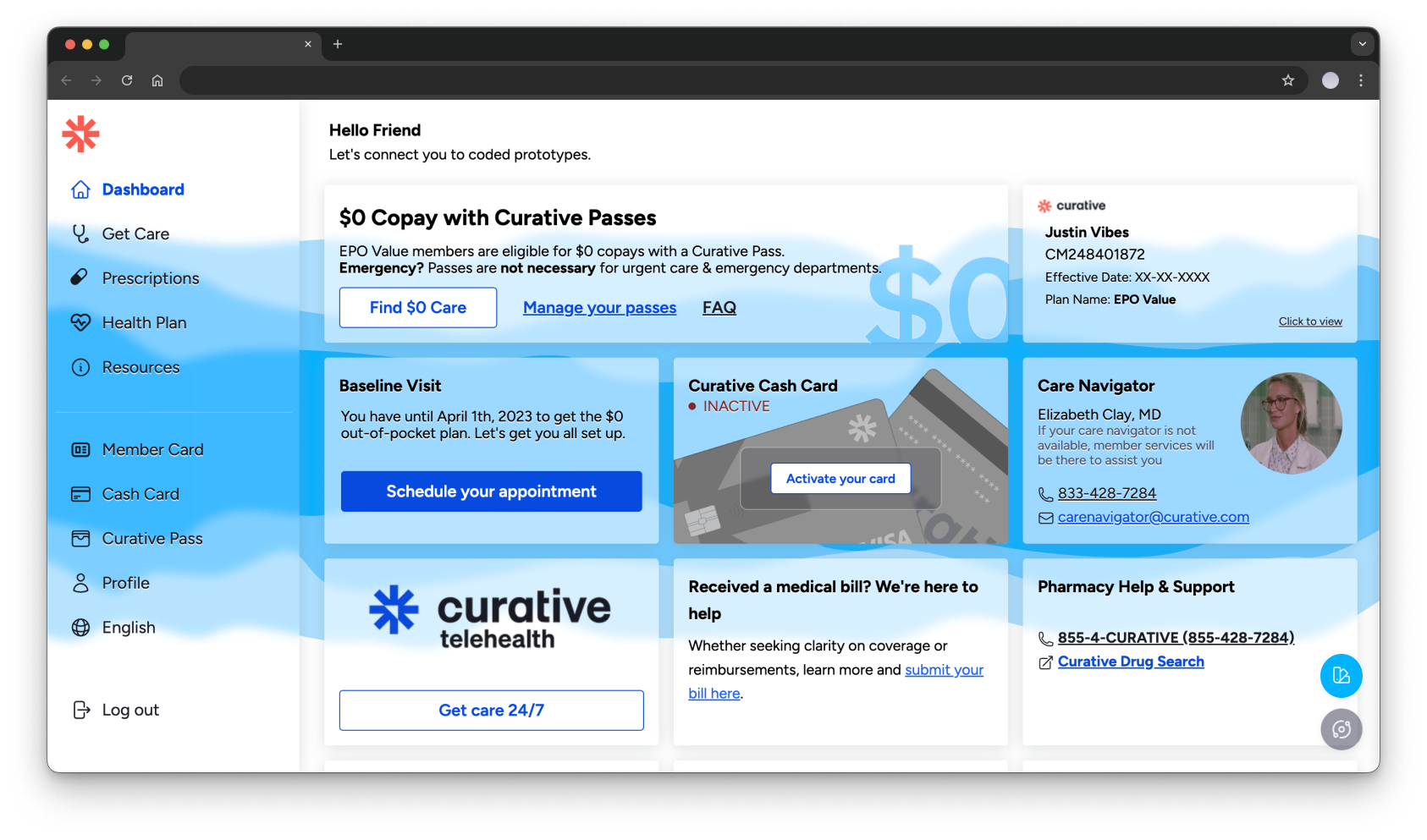
Because we were growing at an incredible velocity ($0-$1.28B series B valuation in 3 years), we were moving too fast to iterate on our existing design itself and were locked in to it's functional but MVP state. Because we were now tied in directly to our codebase, we could explore implementing our newer design improvements at scale by toggling a CSS class.